
 立即加入
立即加入 How to Find a Reliable Dogecoin Android Wallet: Key Features & Top Picks
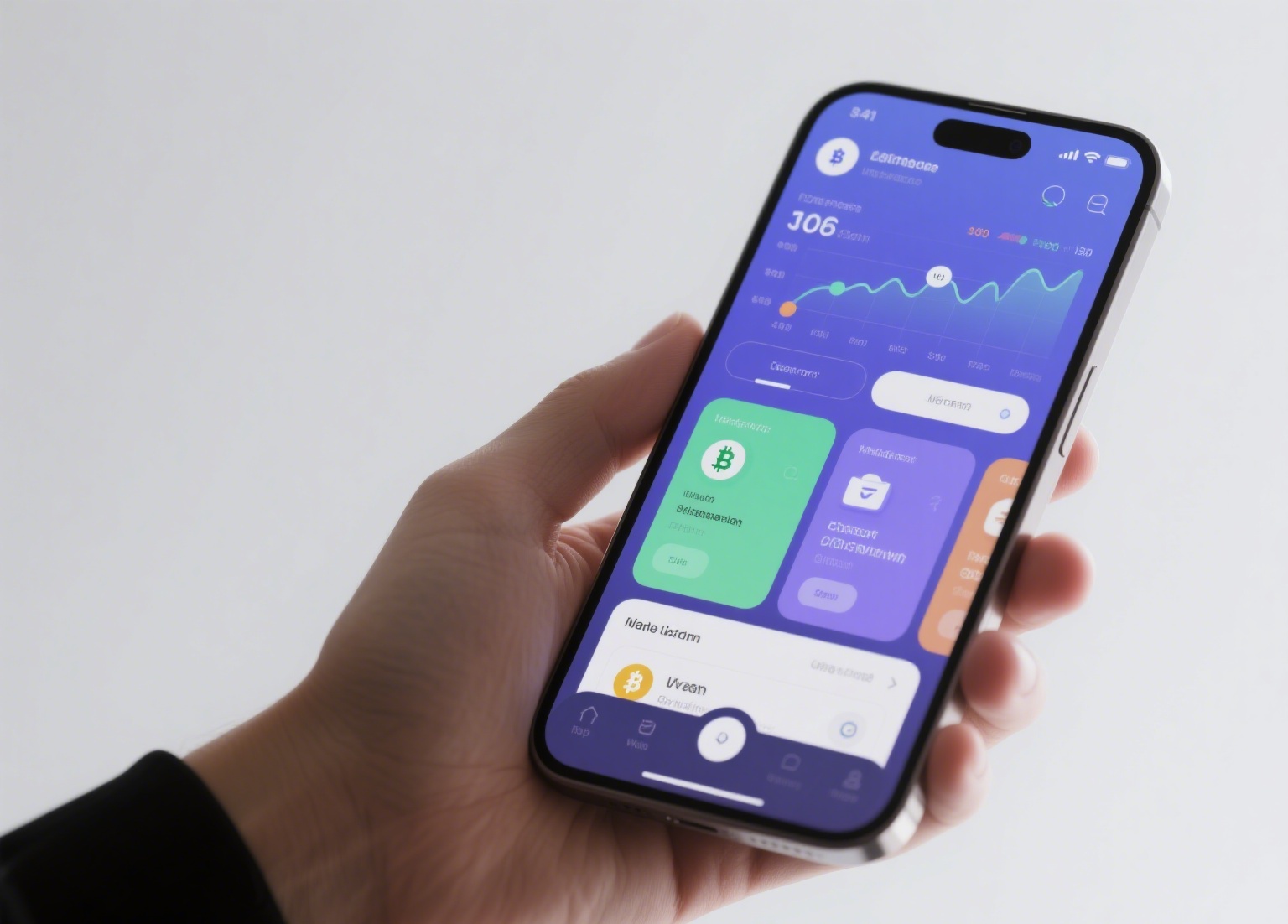
Dogecoin, initially created as a joke, has evolved into a widely traded cryptocurrency. If you are an Android user looking to hold, send, or receive DOGE, choosing the right wallet is critical. The mobile wallet landscape is crowded, so understanding what makes a "good" Dogecoin Android wallet is essential for both security and convenience.
First, consider the core function: does the wallet allow you to hold your own private keys? This is the single most important factor. Wallets that generate and store keys directly on your device—often referred to as "non-custodial" wallets—give you full control. Conversely, "custodial" wallets (like those on an exchange app) hold your keys for you, which means if the platform is hacked, your DOGE could be at risk. For genuine ownership, a non-custodial app is the standard.
Next, usability matters. A good Dogecoin Android wallet should offer a clean interface for sending and receiving payments. Look for features like QR code scanning (to quickly copy an address without typing), a clear transaction history, and reasonable network fee display. Some wallets also support multiple coins. If you hold other assets like Bitcoin or Ethereum, a multi-asset wallet might reduce app clutter on your phone.
Security is non-negotiable on a mobile device. A reliable wallet should support standard security measures such as PIN code or pattern locks. Some advanced options include biometric authentication (fingerprint or face unlock) for added protection against accidental access. Furthermore, the wallet should provide a clear and secure backup seed phrase (usually 12 or 24 words) during setup. Never screenshot or digitally store this phrase; write it down on paper and keep it offline. If you lose your phone, this phrase is your only way to restore your DOGE.
Reputation and development tracking are often overlooked. A wallet that shows recent updates on the Google Play Store is more likely to have patched known bugs and security flaws. Established wallets like "Trust Wallet," "Coinomi," or "Exodus" have a record of compatibility with Dogecoin and regularly update their code. However, check user reviews specifically for DOGE support, as some multi-coin wallets may prioritize other blockchains and break Dogecoin functionality after an update.
Finally, be cautious of "too good to be true" features. A wallet should not request excessive permissions (like access to your camera for reasons beyond QR scanning, or your contacts). Also, avoid any wallet that promises "rewards" or "staking" for Dogecoin—Dogecoin is a Proof-of-Work coin, not a staking coin. Any app claiming Dogecoin staking is likely a scam designed to trick users into depositing funds that cannot be withdrawn.
In practical terms, before transferring a large amount of DOGE, always send a small test transaction. This confirms the wallet is reading the blockchain correctly and that the receive address is valid. Also, ensure your Android operating system is updated. A compromised phone can expose even the best wallet app to risk.
The best Dogecoin Android wallet for you balances control, security, and convenience. Focus on code updates, private key custody, and proper backup procedures. By doing this, you can avoid common pitfalls and keep your DOGE accessible without unnecessary security headaches.

发表评论